Tools › Video Editor
Your images and voiceover, edited into a finished video
Drop your numbered images, your voiceover and its transcript. Each image stays on screen exactly while its line is spoken — with subtitles, music and gentle camera moves — and you preview it all before rendering.
2 credits per minute of video
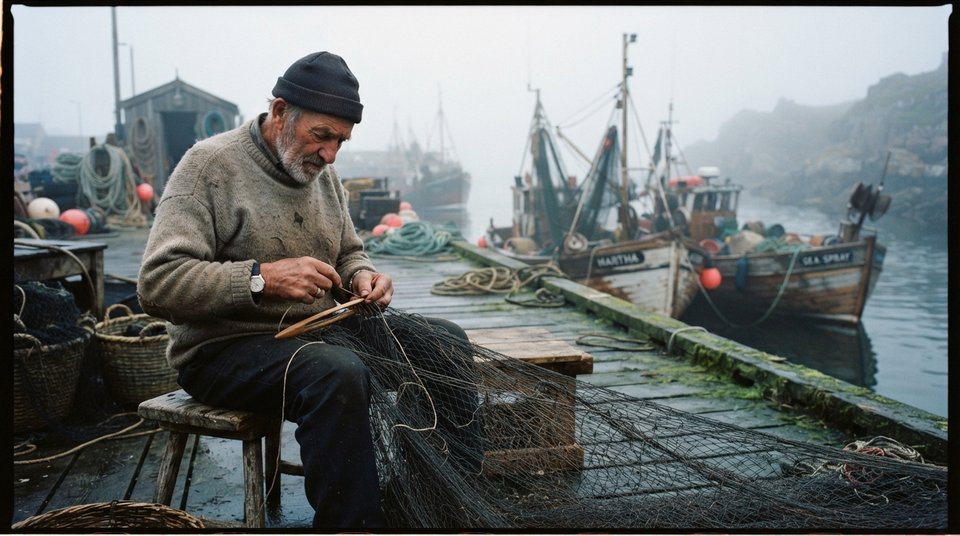
Three steps, no editing skills
- 1Add images, transcript and voice
A whole folder of images at once.
- 2Choose the look
Camera moves, fade, subtitles, music, click sound — previewed live.
- 3Render the MP4
Up to 1080p, 16:9, 9:16 or 1:1.
Built for real YouTube work
See the camera moves, fades and clicks before rendering.
Background music lowers itself under the voice.
If the voice was shortened, the transcript is realigned automatically.
Reorder images by drag and drop.
Questions, answered
What do I need?
Images (one per transcript line) and a TXT/SRT transcript; a voiceover and music are optional.
Can I make Shorts?
Yes, choose 9:16.
You might also need
Ready to make your next video?
Free to start — 10 credits, no card, cancel anytime.
Start free